 MyCelium Wiki
Dark Mode
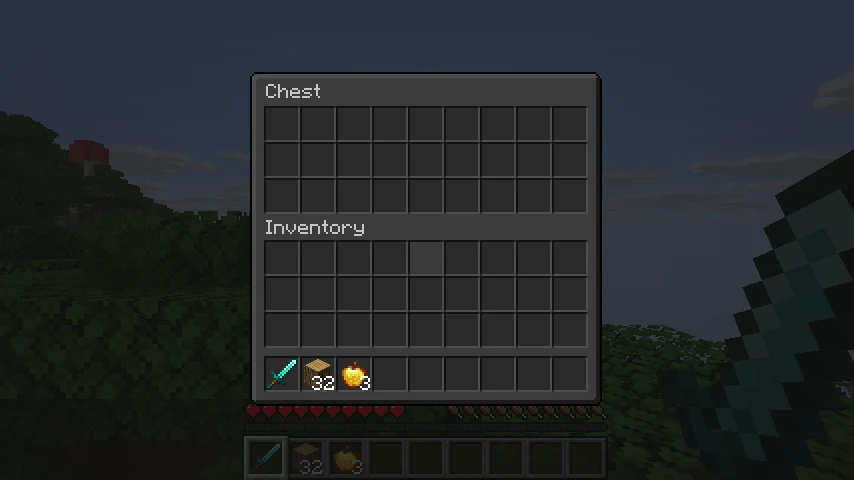
Every screen in Minecraft, dark. Menus, inventories, chests, books and the creative menu all change, and so do screens from other mods, without a separate resource pack for each one. The red Mojang loading screen turns black too.
The short version
- Settings: the Dark Mode button in the top left of the Options menu.
- Themes: Neutral, Midnight, Forest, Plum and Ember, plus a brightness slider.
- Loading screen: black, charcoal, midnight or plum, or the normal red.
- Colors stay: items, hearts, logos and other colored art are left alone.
- Client-side: servers don't need it.
Install
Put Dark Mode and Mycel in your mods folder. See getting started.
Next: features, configuration and the FAQ.