 MyCelium Wiki
Dark Mode features
Every screen
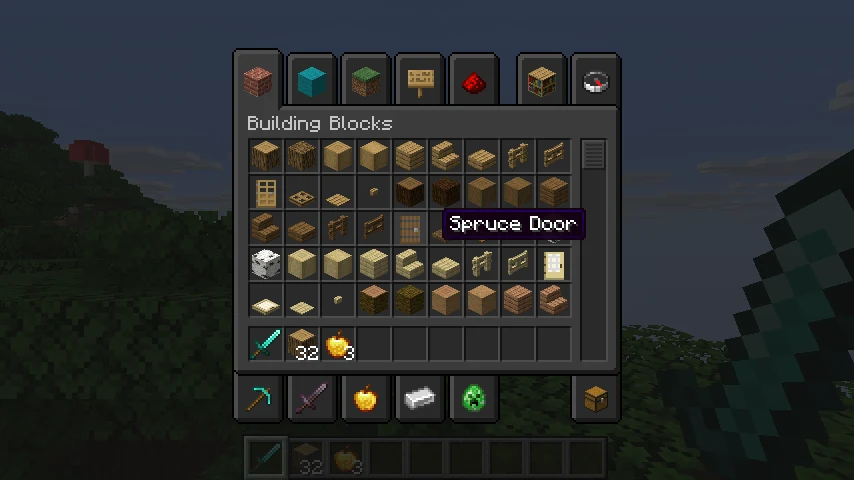
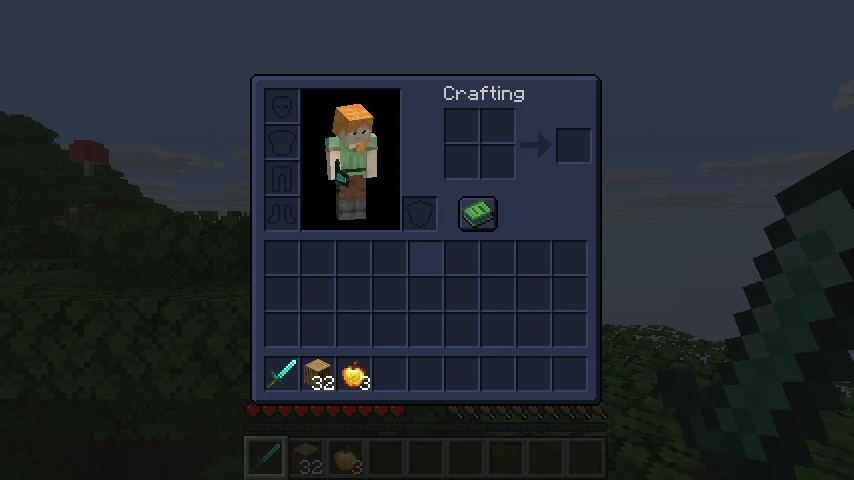
Menus, buttons, inventories, chests, furnaces, anvils, enchanting tables, villager trades, the creative menu, books and toasts all turn dark. Slots and buttons keep their shape, because their light and dark edges stay the right way round.
Screens from other mods
Screen textures are recolored as the game loads them, so a mod doesn't need its own dark version. Light panels that a mod draws in code are darkened too. Screens are recognised by their texture names, so a mod that names them unusually may stay light. See the FAQ.
The loading screen
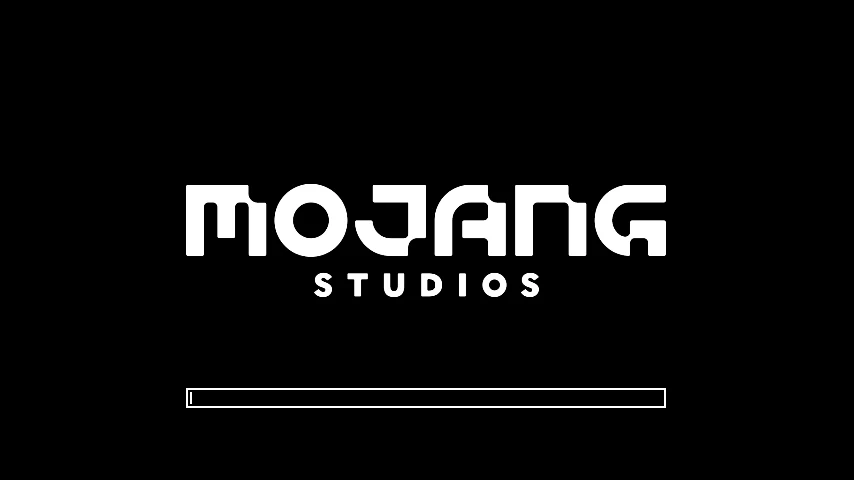
The red Mojang screen turns black, or charcoal, midnight or plum if you prefer. Pick Red to keep the normal one.
Themes and brightness
Five themes tint the dark screens: Neutral, Midnight, Forest, Plum and Ember. The brightness slider goes from nearly black to a soft grey.
Readable text
Dark text gets brighter so it stays readable, including book pages and colored words. Signs keep their dark text on their edit screen, because the sign itself stays wood-colored.
The HUD
The hotbar and the rest of the HUD stay as they are unless you turn on the HUD setting. Hearts and other colored parts keep their colors either way.