 MyCelium Wiki
BedrockPlacing features
Air-click placement
Right-click the air (with nothing targeted) while holding any block and standing on a block: one block is placed on the side of that floor block you are facing. No precise click on the edge of a block face, no crouching at the edge to aim.
The anchor is the solid block under your feet. If you already walked past the edge and are starting to fall, it is the block one cell behind you, so forward bridging works while you keep walking.
Same-layer lock
The assist only ever extends the layer you stand on. The layer locks from the block under your feet, and placements while airborne (you just walked off the edge) must target that same layer. Jumping or falling can never strand a block a layer above or below your floor: a flat floor at Y=0 stays at Y=0.
- Stepping onto a new height re-locks instantly.
- A stale lock (5 seconds idle, or a dimension change) re-locks leniently on next use, so the mod never goes mysteriously silent.
The preview outline
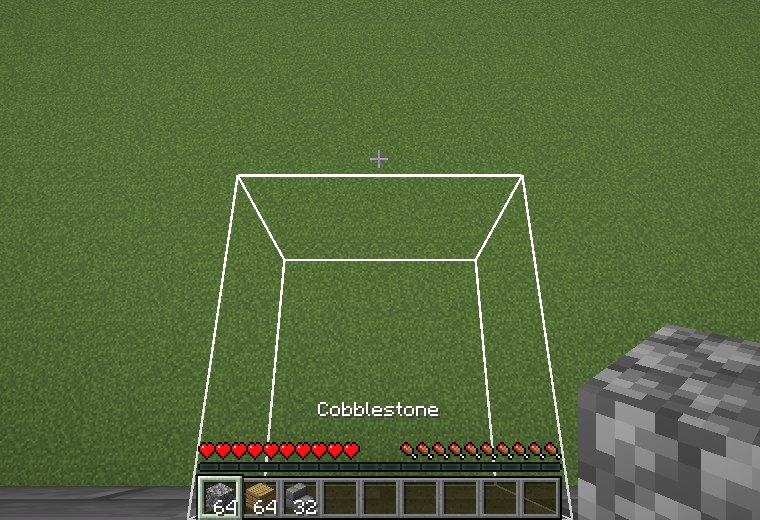
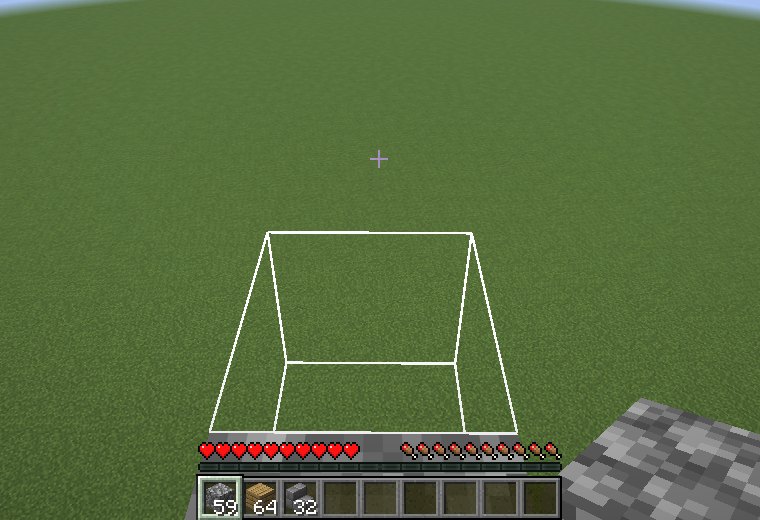
A white outline marks the cell that the next click would fill, before you click. It is drawn on your client only, through vanilla's own outline rendering (no shaders), and disappears the moment the cell is filled or the assist no longer applies. Turn it off with preview in the configuration.
Fast bridging
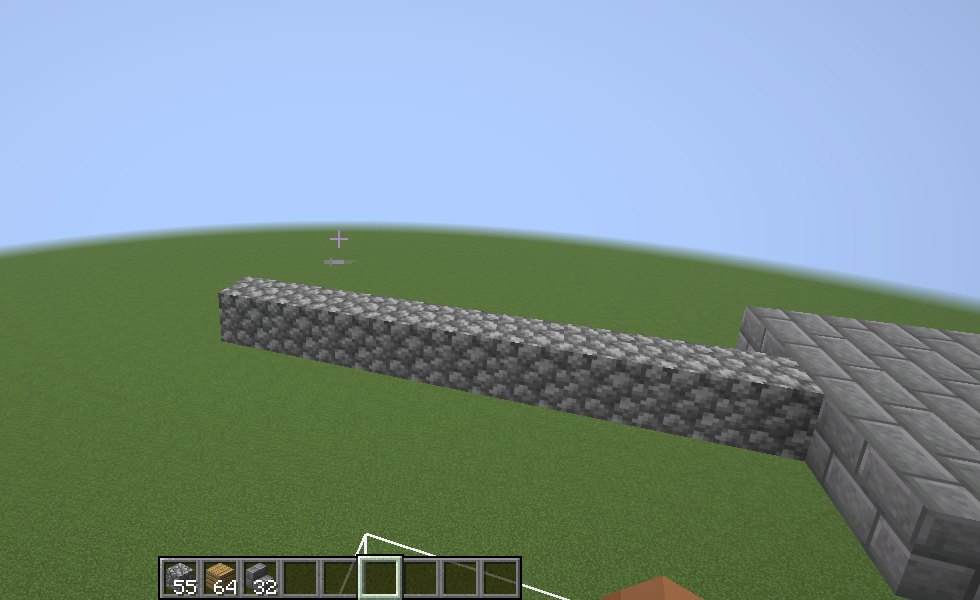
Hold right-click and walk. The modded client tells the server the tick the use key goes down and then at most every repeatTicks ticks (2 by default) while you hold it, so bridging no longer waits on vanilla's 4-tick use repeat. Single clicks are as fast as any normal placement.
Vanilla placement rules
- Blocks place like a normal click. Placement goes through vanilla's own state-for-placement path, so stairs orient, buttons attach, and waterlogging behaves exactly as usual.
- Never into yourself. The cells your own body occupies are never filled.
- Server-authoritative. The server re-validates every request and drops same-tick duplicates, so one click never places twice.
- Sneak to opt out. With
sneakDisableson (the default), holding sneak skips the assist and the click behaves like vanilla. - Dead, removed, and spectator players place nothing.
Multiplayer
Placement happens on the server, so the server needs the mod. Players with a vanilla client still get air-click placement through the normal air-click path; the preview outline and fast bridging need the mod on their client too.